
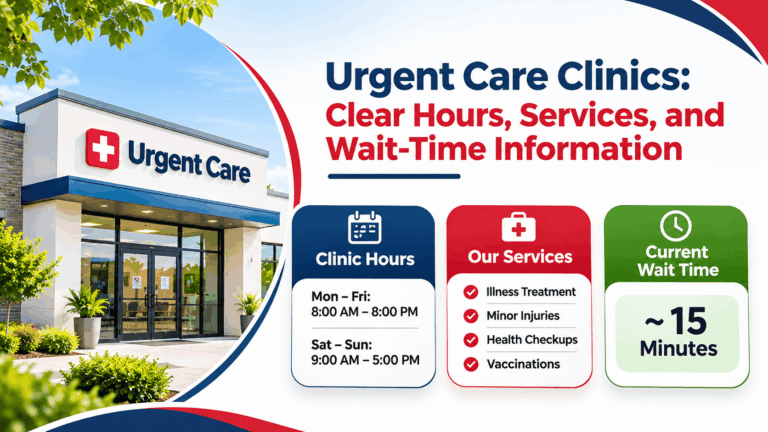

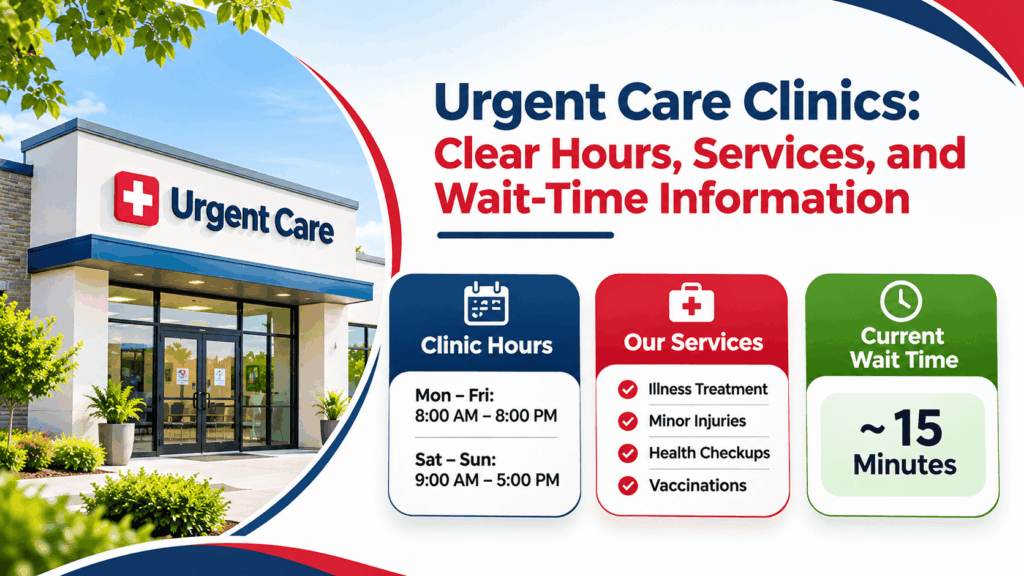
A parent’s child spikes a fever on a Sunday evening. She searches for urgent care nearby and needs three answers immediately: Is it open now? Do they treat children? How long is the wait? If a clinic’s listing cannot answer those questions, she drives somewhere else or heads to the emergency room.
For urgent care clinics, clear operational information is just as important as clinical quality.
Keep Hours Flawlessly Accurate
Urgent care hours often include evenings, weekends, and holidays, which makes them more likely to be wrong somewhere online. Update regular and holiday hours on Google Business Profile, Apple Maps, Bing, your website, and directories at the same time. State the last check-in time if it differs from closing time.
If a clinic closes early due to staffing or weather, update listings immediately and post a notice on your website.
An accurate “open now” status can be the deciding factor for a patient choosing between clinics.
Explain Services and When to Go Elsewhere
List common conditions you treat, age groups you see, and on-site services such as X-rays, lab tests, or stitches. Just as important, explain when patients should call 911 or go to an emergency room, such as for chest pain or severe breathing difficulty. This protects patients and sets clear expectations.
Mention insurance plans accepted and self-pay options in general terms.
Clinics listed in the Healthcare category on Hub Directory can include their services and age ranges in the listing description, helping families choose the right facility quickly.
Offer Online Check-In or Wait Information
Many urgent care clinics offer online check-in or display approximate wait times. If you do, explain how it works and note that times can change as patients with more serious conditions arrive. Link the check-in tool from your website and Google profile.
Make sure the phone number on every listing reaches someone who can answer questions during open hours.
Conclusion
Urgent care patients make decisions quickly, often under stress. Keep hours accurate everywhere, explain services and emergency limits clearly, and offer online check-in or wait information if possible. Consistent details across your Google profile, website, and directories such as Hub Directory help patients get to the right care faster.
Frequently Asked Questions
How should urgent care clinics handle holiday hours?
Set special hours for each holiday on Google Business Profile and other major platforms, update your website, and post on social media. Do this well in advance, and double-check listings the day before each holiday.
Should urgent care websites explain when to go to the emergency room?
Yes. Clearly stating that patients with life-threatening symptoms should call 911 or go to an emergency department protects patients and sets appropriate expectations for urgent care services.
Can urgent care clinics show wait times online?
Many use check-in systems that display approximate waits or let patients reserve a place in line. Explain that times are estimates and can change based on patient needs, so patients understand the limitations.
What information do patients want first from an urgent care listing?
Whether the clinic is open now, its location, what conditions and ages it treats, insurance accepted, and expected wait times. Put these details where patients can see them at a glance.